Call To Order

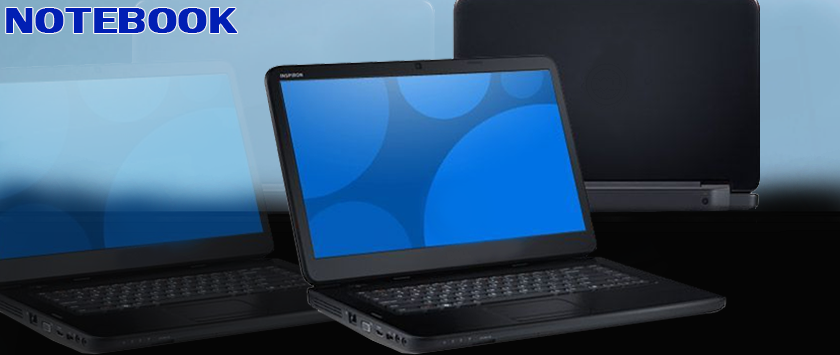
A notebook computer is a battery- or AC-powered personal computer generally smaller than a briefcase that can easily be transported and conveniently used in temporary spaces such as on airplanes, in libraries, temporary offices, and at meetings. A notebook computer, sometimes called a laptop computer, typically weighs less than 5 pounds and is 3 inches or less in thickness.
Features of Notebooks
- Size
Today's notebook computers come in different screen sizes and weights, from thin-and-lights (13 inch screens) to desktop replacements (17 inch and above screens).
- Shortcut and Hot Keys
Handy little buttons and icons usually located above the keyboard for quick performance of certain functions. For example, there could be a hot key for opening the notebook's media player or sending the computer into the sleep mode.
- Peripherals
Mouse and keyboards are 2 input mediums of a notebook, that can be externally connected through USB. The mouse system in a notebook is called a trackpad.
FEATURES TO CONSIDER WHEN PURCHASING A NOTEBOOK
- Easy-Open Lid
More often than not, the display hinge on most notebooks we test tends to be stiff to the point where we have to hold down the chassis with one hand and open the lid with the other. It’s convenient if the hinge design allows you to open the lid one-handed.
- Conveniently Located Ports
Most people overlook port location when shopping for a new notebook. If you plan to use an external mouse, take a look at where the ports are located on a given notebook. If most of the ports are on the right side of the chassis, and you’re right-handed, the cords for some devices you plug in might stick out and get in the way of you using a mouse.
- Touchpad Center-Click Functionality
An external mouse may give you the ability to center-click using the mouse’s scroll wheel, but what about the touchpad on a notebook? In today’s world, most notebooks have what we call button-less click pads, where the surface of the pad can be pressed down at any point to produce a click.
- Power Adapter Plug and Size
A notebook’s power adapter is usually ignored when buying a notebook. We like to see the power adapter be as small and easy to transport as possible. It almost defeats the purpose of buying an ultra-thin notebook when its power adapter is thicker and heavier than it needs to be.
- Dedicated Media Controls
Dedicated volume up, down, mute, and playback controls such as pause are hard to find on today’s notebooks. This functionality may be available through a keyboard shortcut, but that’s not as convenient or as tactile as having a dedicated button.
- Function Lock
In the absence of dedicated media controls, you might be able to find solace if a notebook has a feature called Function Lock. This is usually indicated by a symbol on the Escape key at the upper left of the keyboard.
- Good-Quality Webcam and Microphone
If you’re a Skype user or need to do any kind of videoconferencing, a better-than-average webcam and microphone setup is a must. The microphone arrays on most notebooks are generally going to be of good quality. Look for little holes atop the display, as that’s where the microphone(s) are usually located. The better microphone setups will use an array of two or more microphones for directional sound.
- Status Lights
The old-school users out there might remember the blinking status lights that lined the edges of notebooks. The status lights consisted of LED indicators that would show wireless, power, and storage drive activity, and perhaps a few others. Unfortunately, all you’re likely to find today is a power indicator.
kindly click the link or the image below to place order
https://www.deluxe.com.ng/product-category/notebooks
www.deluxe.com.ng
Category